Every page on your site is being graded right now by software you'll never meet. Long before ChatGPT decides whether to recommend you, it has to do something far more mundane: reach your page, parse what's on it, and find something worth quoting. Most brands have no idea how they score on that - so we built a free, open-source way to see it in one click. This is what the score actually means, and how to read yours.
AI visibility starts with three gates
"Can AI recommend me" is the end of a chain that begins with three plain, technical gates. Miss an early one and nothing downstream matters - the slickest content is invisible if a crawler can't fetch it.
- Access - can it reach the page? Are the AI crawlers allowed in robots.txt, does the page return real HTML, is there an llms.txt? If you're blocking GPTBot or ClaudeBot, the chain ends here.
- Understand - can it read what's there? Is the meaningful text server-rendered (not locked behind JavaScript), with a clear title, meta description, headings and structured data telling the engine what you are?
- Cite - is there anything worth quoting? Are there clean, self-contained, quotable statements a model can lift, plus the signals (canonical, sitemap) that mark you as a trustworthy source?
Roll up the eleven concrete signals behind those three gates and you get a single readiness score - a credit score for AI visibility.
Why a score, and why per engine
A pass/fail would lie. Readiness is a spectrum: a page can be perfectly reachable but unquotable, or richly structured but blocked at the door. A score with a band (poor → good) tells you not just whether there's a problem but how far along you are. And it varies by engine - the five major ones behave differently, so the extension gives a per-engine verdict for ChatGPT, Claude, Gemini, Perplexity and Grok rather than one blurred average.
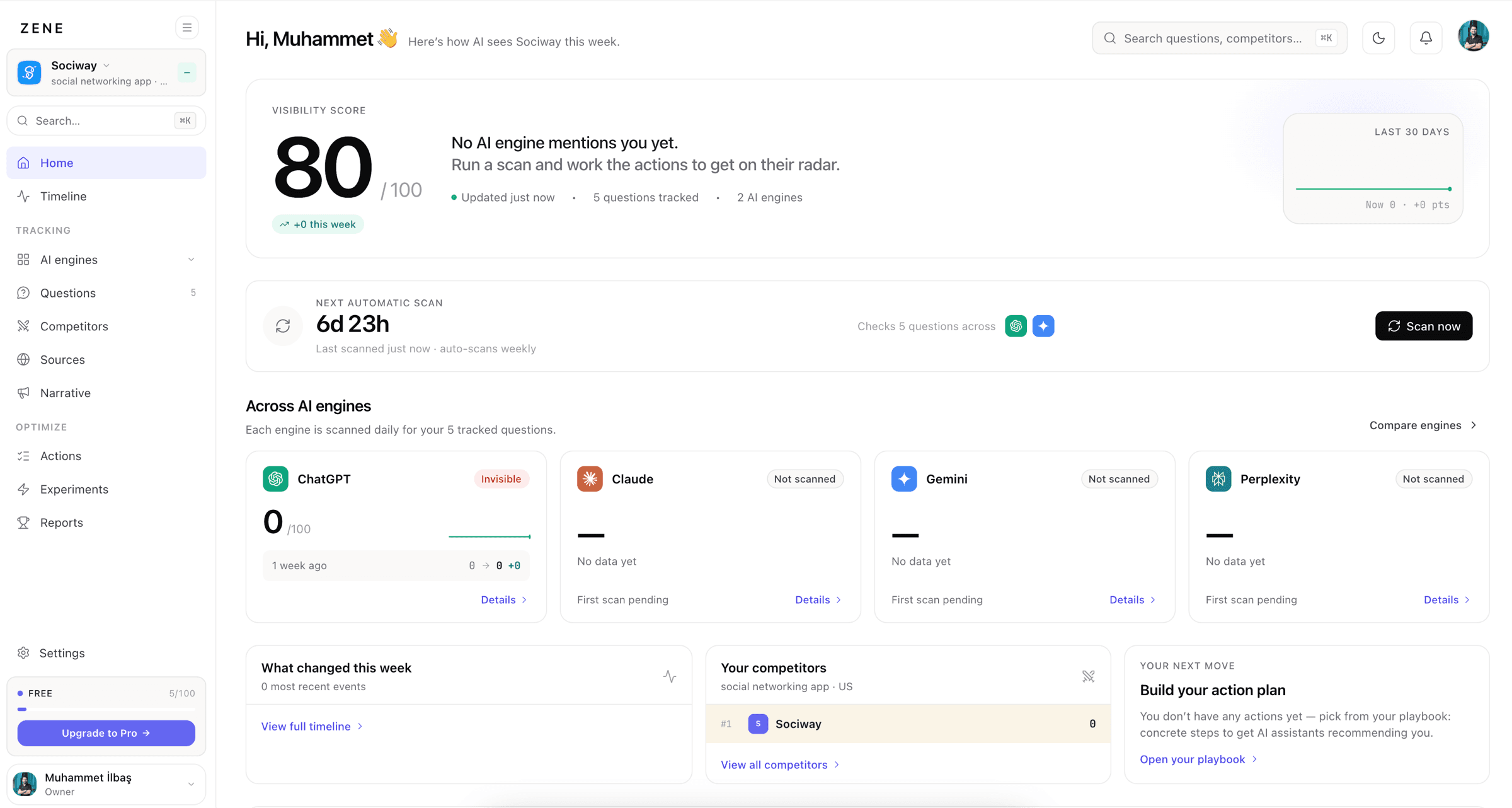
Crucial honesty point about how this works: the readiness check reads static signals - robots.txt, llms.txt, your rendered HTML - it does
not secretly query the live LLMs. Absence of a block reads as access; it's a measure of whether the door is open and the room is legible, not a guarantee a model will walk in. For whether engines
actually mention you, that's a
tracking question.
The extension: one click, any tab, free
Open any site, click the icon, and you get its AI-readiness score, the per-engine breakdown, and a list of per-signal fixes - each deep-linked to a free tool that helps you resolve it. No account, no API key, no credit card. It's the same engine that powers the web AI readiness checker, just available on every tab you're already looking at, including your competitors'.
One design choice worth calling out: it fetches the page server-side. The extension never reads the content of the pages you browse - it asks our server to fetch the specific URL you choose to check. That keeps it private by construction (the trade-off being it can't reach localhost or intranet pages).
Why we open-sourced it
A tool that grades your site and then tells you what to fix only deserves trust if you can see how it grades. So the whole thing is open source - the exact signals, weights and logic are on GitHub for anyone to read, audit or fork. No black box, no "trust our secret score." If you disagree with how a signal is weighted, you can see it and say so. Transparency is the right default for anything claiming to measure you.
What to do with a low score
The point of a number is the next action. Readiness problems are unusually fixable because they're technical, not creative:
- Blocked crawlers? A one-line robots.txt change can flip Access from red to green.
- JavaScript-only content? Server-render the text that matters so engines stop seeing an empty shell.
- No structure? Add schema, a real title and meta, a clean heading outline.
- Nothing quotable? Rewrite key claims into self-contained sentences a model can lift verbatim.
Fix the cheap, high-leverage signals first - the gate you're failing earliest matters most. Readiness is the floor, not the ceiling: it gets you eligible to be recommended, and then the rest of the GEO playbook earns the recommendation itself.
See your own score in about ten seconds. Grab the open-source extension on GitHub, read the one-page rundown, or run the free web checker right now - no signup needed.
Frequently asked questions
What is an AI readiness score?
A measure of how well an AI engine can reach, read and cite your website - the prerequisites for being recommended. It rolls up concrete, checkable signals (can crawlers access the page, is there real server-rendered text, is it structured and quotable) into a score and band, so 'is my site AI-ready' becomes a number you can act on rather than a guess.
Is the AI readiness extension free, and does it need an account?
It's completely free with no signup, no API key and no credit card - click the icon on any tab and you get a graded readiness report in seconds. It's also open source, so you can read exactly what it checks. An account is only needed if you later want to track the score over time on Zene.
Does the extension read the pages I browse?
No. It works by asking Zene to fetch the site you're checking server-side, so the extension never accesses the content of the pages you visit. It only acts on the tab you explicitly check, and because the fetch is server-side it can't reach localhost or intranet pages.
 Muhammet İLBAŞ 9 min